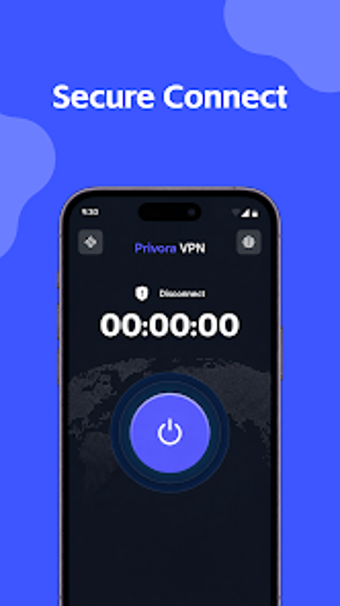
Privora VPN: One-tap Android VPN for basic mobile privacy
Connects an Android device to an encrypted tunnel with a single tap, letting you pick server locations before connecting. Privora VPN, from HF RAJA CONSULTANTS (SMC-PRIVATE) LIMITED, focuses on minimal setup and running on current mobile hardware. The app uses a lightweight, distraction-free interface and claims no user data collection, making it suitable for travelers, remote workers, and everyday users who want quick, on-demand encrypted connections.
What the app actually does in practice
The app establishes an encrypted connection for Android devices via a one-tap workflow and selectable server locations, so the user opens the app, picks a server, and taps connect. The app presents itself as a privacy utility with no complex configuration required, and it lists enhanced protection for public Wi-Fi as a primary use case. This workflow reduces steps to establish a VPN compared with multi-screen setups.
How it interacts with the device during use
The app advertises a lightweight interface, which implies low overhead while running on mobile hardware. Because it targets simple, on-demand connections rather than continuous system-level routing changes, the app can be used without advanced device tuning. The developer notes Android system requirements vary by device; users should expect typical VPN background activity but not a multi-service footprint.
Security and privacy behaviour you can verify
Privora VPN encrypts data in transit and highlights protection on unsecured Wi-Fi, which means traffic is routed through the app's tunnel rather than leaving the device unprotected on public hotspots. The developer-declared policy states no user data collection and no third-party sharing. That policy is a stated design choice, and it shapes how the app treats logs and telemetry compared with apps that keep connection records.
Who can operate it and when advanced options matter
The app targets non-technical users with its one-tap connection and absence of configuration screens, so a basic user can start a secure session without learning routing or tunnelling settings. Advanced users who need custom protocols, split tunnelling, or per-app rules should expect limited options, since the product emphasises simplicity over configurability.
Clear fit for casual mobile privacy; not for power users
Privora VPN suits everyday Android users who need fast, encrypted connections on public networks and prefer a minimal interface. Users who require granular control over tunnelling, protocol selection, or per-app routing will find the app limited because it deliberately avoids complex configuration. Recommended.